
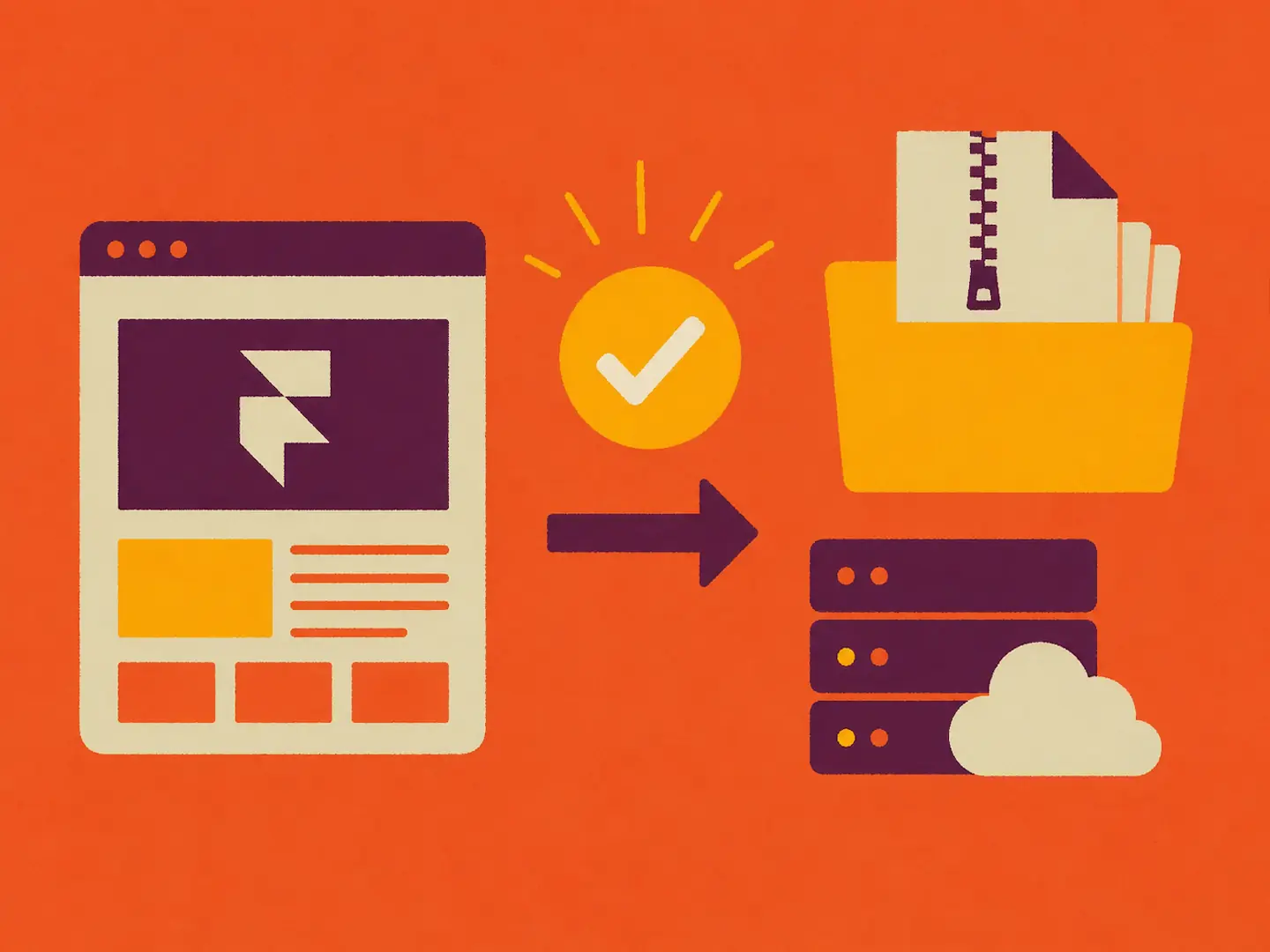
Framer is an incredible design-and-publish platform. But one question keeps coming up from founders, marketers, and developers alike: can you export a Framer website? Or put differently, can you export a Framer site to HTML and host it somewhere else?
If you've already read Framer's own help article on this topic, you've seen their official position:
Framer does not offer HTML exporting functionality for self-hosting. Framer sites rely on dynamic backend services such as pre-rendering, dynamic image resizing, and font subsetting to deliver optimal performance. Because of these dynamic features, Framer sites are not static and therefore cannot be exported for self-hosting.
https://www.framer.com/help/articles/can-i-export-my-website-to-html-and-self-host-it/
And yet, teams still self-host Framer-built sites every day using workarounds and third-party tooling.
This guide gives the honest, practical 2026 answer. It covers what Framer officially supports and why, what "exporting a Framer website" can actually mean (it's not one thing), what works in practice if your goal is self-hosting, and when a dedicated Framer export tool is the cleanest path forward.
The Direct Answer: Can You Export a Framer Website?
Yes and no.
Officially, no. Framer does not provide a native way to export a Framer website as portable HTML/CSS/JS for self-hosting.
Practically, yes. You can still get a host-anywhere version depending on what you mean by "export," using third-party approaches such as a Framer exporter that captures the site output.
One-sentence takeaway: Framer doesn't include a built-in "Framer to HTML" export for self-hosting, but you can produce a self-hosted copy of a Framer site using external tooling, especially if you choose a purpose-built Framer exporter rather than a generic downloader.
What Does "Export a Framer Website" Actually Mean?
The confusion here is real, because "export" gets used for several different tasks — some of which Framer supports, and some of which it doesn't.
Export assets ("Framer export PNG")
This is the most literal meaning in design terms: exporting images, icons, illustrations as SVG, or components as visual assets. Useful for brand kits and marketing collateral, but not a "Framer to HTML" export.
Export or share for handoff ("download Framer website")
Sometimes "download Framer website" really means duplicating a project, transferring ownership, sharing a remix link, or collaborating with teammates. Useful for workflow, but again, not self-hosting.
Export site output ("Framer export HTML" or "Framer export code")
This is what most people actually want when they say "export Framer website," "Framer to HTML," "Framer export code," or "self host Framer." It's also the hardest type of export because it requires reproducing what the browser sees and how it behaves, not just copying files out of a project folder.
Why Framer Doesn't Offer a Native Export
To understand the debate, it helps to understand what Framer is optimizing for: a managed publishing environment, a runtime that powers interactions and animations, and CMS and dynamic features designed to work within Framer's own hosting stack.
Dynamic runtime and interactions
Framer sites often rely on client-side behavior, motion and interaction systems, and platform-specific rendering patterns. Converting that into a clean, standalone static HTML export is not as straightforward as it sounds.
CMS and data coupling
If your site uses Framer CMS — collections, filtering, localization, or dynamic content — an export tool has to make real decisions. Should it snapshot content at a point in time? Recreate a CMS elsewhere? Render fully static pages per entry? Different teams want different outcomes.
Support burden
If a platform offers export, it implicitly takes on responsibility for every edge case of the exported output: framework conflicts, missing runtime pieces, self-hosting environments, caching problems, and more. Framer's "no export" stance is understandable — but it still leaves a real market need for teams that love designing in Framer but need hosting independence.
Workarounds to Get a Self-Hosted Version
If your goal is to self-host a Framer site, there are a few common approaches. Some are fine for quick prototypes; others break down fast with real interactions, multiple pages, or CMS content.
Method 1: "Save Page As…"
The quick-and-dirty approach is using the browser's built-in "Save page as…" feature. It's fast, free, and requires no setup. The downside is that it usually captures only one page at a time, often breaks navigation across routes, and doesn't reliably preserve complex animations or interactions. It's best suited for a single landing page snapshot you need temporarily, nothing more.
Method 2: Generic scrapers or "website downloader" tools
These tools crawl URLs and fetch assets across multiple pages, which sounds promising. In practice, Framer-specific behaviors often aren't captured correctly. Client-side rendering and dynamic routes can produce incomplete crawls, CMS pages may go undiscovered unless you manually supply seed URLs, and the output tends to be messy and hard to deploy cleanly. Fine for very simple sites or as a first attempt, but don't rely on them for anything production-ready.
Method 3: Dedicated Framer exporter tools
A purpose-built Framer exporter is designed around how Framer sites actually render, animate, and structure content. The best ones render pages like a real user would rather than just fetching raw HTML once, capture Framer Motion effects more faithfully, handle multi-page routing, and snapshot CMS-driven pages in a controlled and predictable way. For a side-by-side comparison of the options, see Best Framer Export Tools in 2026: 7 Tools Tested.
These tools give you the best chance of preserving what you designed, with more consistent multi-page exports and fewer deployment surprises. The trade-off is cost since they're rarely free, and exports are snapshots, so if you update your Framer site you'll need to re-export and re-deploy. For most marketing sites, that's a perfectly acceptable workflow.
Quick Comparison
Method | Multi-page | Keeps interactions | CMS-friendly | Best for |
|---|---|---|---|---|
Save Page As… | Limited | Often breaks | No | Quick single-page backup |
Generic site downloader | Sometimes | Often partial | Weak | Simple sites, experiments |
Dedicated Framer exporter | Yes | Best chance | Better (snapshot-based) | Reliable self-hosting workflows |
What a Good Framer-to-HTML Export Should Preserve
When people say they want to export a Framer site, they usually care about layout, spacing, and responsive behavior; typography and fonts with correct loading and fallbacks; media including optimized images, videos, and background assets; internal routing that works as expected; hover states, scroll effects, motion, and transitions; predictable output for CMS-driven collection pages; and indexable HTML with correct titles, meta tags, and canonical URLs.
A generic downloader often gets some of these. Rarely all of them.
Introducing PullPage: A Framer Exporter Built for Framer
Most exporters on the market are universal website exporters that try to handle everything from Wix to Webflow to Squarespace and so on. That broad approach can be convenient, but it's often exactly why exports feel fragile on Framer.
PullPage is built differently. It's a Framer exporter engineered specifically to bridge the gap between Framer's design power and independent hosting, using headless browser technology optimized for Framer sites.
Because Framer output is ultimately what the browser renders, a headless browser approach can render pages like a real user would including client-side behavior, capture complex Framer Motion effects more faithfully than simple crawlers, handle deep site structures and multi-page routing, and snapshot CMS-driven pages in a controlled way.
That's exactly what you want when your requirement is: "I want the same site, but self-hosted."
One honest caveat: any Framer-to-HTML export is typically a snapshot of your site at a point in time. If you update your Framer site, you'll need to re-export and re-deploy. If you rely on highly dynamic behavior, personalization, live data, or complex forms, you may need extra integration work on the self-hosted side. For the large share of marketing sites focused on performance and SEO, though, the snapshot model is exactly what teams are looking for.
When Self-Hosting Makes Sense and When It Doesn't
Self-host Framer when you need:
Infrastructure control (choose your own CDN, regions, and caching rules)
Compliance with internal hosting policies
Custom analytics pipelines or edge logic
Monthly / yearly cost reduction
Strict control over scripts and performance budgets
Long-term portability to reduce vendor lock-in
Stay on Framer hosting when you need:
The simplest publish workflow
Built-in platform features with minimal ops overhead
Real-time editing and publishing without an export step
Minimal ongoing maintenance
Framer hosting is great — until you have a reason it can't be your final production environment. For a full cost breakdown, see Framer Hosting Costs in 2026.
Common Pitfalls When Exporting a Framer Site
Missing routes
Many sites have pages not linked in the main nav such as campaign pages, legal pages, and hidden landing pages. Exporters that rely purely on crawling may miss them. Make sure your exporter supports supplying a URL list or sitemap-based discovery.
CMS collection pages not captured
If your Framer CMS generates a page per item like blog posts or case studies, your exporter needs a strategy for enumerating and snapshotting those routes.
Interactions degrade silently
A static mirror might look fine at first glance but lose subtle behaviors like scroll triggers, hover microinteractions, and sticky elements. Prefer headless-browser-based export that actually executes the page.
Fonts and media paths break
Self-hosting changes the base path and hosting origin. Make sure the exported package rewrites asset paths cleanly or ships with a consistent assets directory.
SEO metadata not preserved
Title tags, meta descriptions, OG tags, and canonical tags all matter. Spot-check exported pages for head tags and validate with an SEO testing tool before going live. For a full checklist, see How to Improve SEO for Framer Websites in 2026.
Conclusion
If "export" means a first-party button inside Framer that downloads a self-hostable package, then no.
If "export" means creating a host-anywhere version of your Framer site, then yes — and the most reliable path is a dedicated Framer export tool built specifically for Framer's rendering model.
For teams that want to preserve complex interactions, capture deep CMS structures, and ship a self-hosted version that actually looks like the real site, a purpose-built exporter beats any generic website downloader. PullPage is built for exactly that: a Framer exporter engineered to bridge Framer design and independent hosting, using headless browser technology optimized exclusively for Framer sites.
Once you have a clean export, the next step is choosing where to host it. See Self-Hosting a Framer Site in 2026: The Complete Guide and the Framer to Cloudflare Pages guide for the deployment side.